
Sharing cloud-hosted files with the field sounds simple until the same document gets requested again and again from the same work area. At that point, the problem is no longer storage. It is distribution.
Taliho's integration with Google Drive, Dropbox, and Microsoft OneDrive gives teams a straightforward way to connect those files to QR access points that can be used directly on the jobsite.
Why Linked File Access Helps
Many construction workflows depend on live documents rather than static references. Checklists, forms, SOPs, punch items, and commissioning records often need to stay editable as work progresses.
When those files live in a cloud platform, a QR code can become the fastest route to them. Instead of calling a PM or searching through shared folders, the field scans once and opens the current file.
A Practical Example in the Field
Imagine a mechanical subcontractor commissioning a bank of pumps. The posted QR access point can provide:
- approved submittals
- drawings and specifications
- O&M manuals
- wiring diagrams
- a writable commissioning checklist stored in the cloud
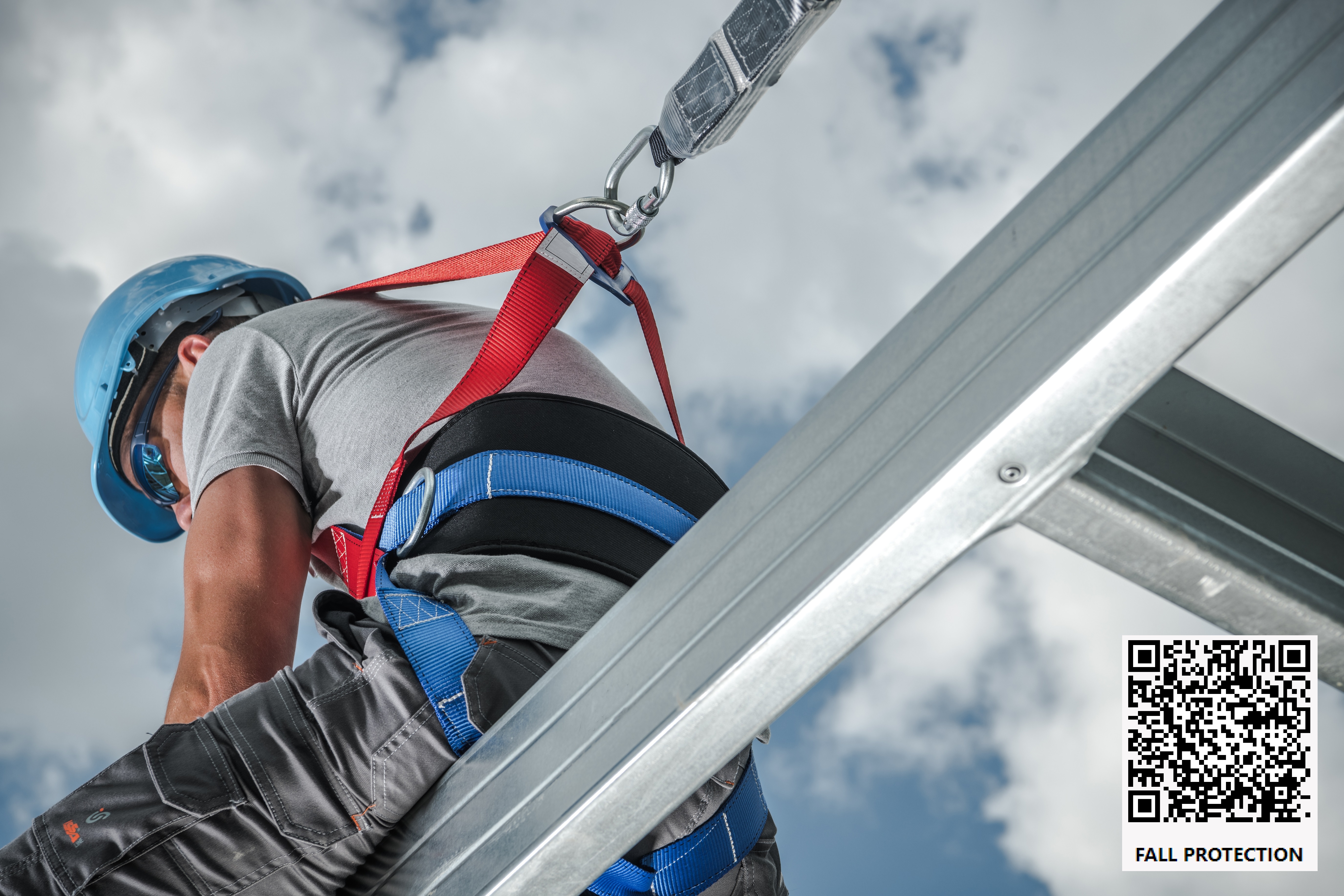
That means the crew can review reference documents and complete live forms without leaving the work area to find someone in the office.
Good Fits for Editable Cloud Files
This workflow is especially helpful for documents that change during execution:
- inspection forms
- startup and commissioning checklists
- safety checklists
- panel schedules
- field reports
- turnover punch documentation
Because the file stays in the source platform, the team keeps one working version instead of passing around disconnected copies.
Setup Principles That Prevent Confusion
To make this work well, teams should keep the linked files organized and intentional.
- Link the QR code to the exact file or folder the field needs.
- Use clear labels so workers know what each code provides.
- Confirm sharing permissions before posting the code.
- Review writable files regularly so they stay current and usable.
Final Take
Cloud storage platforms already hold much of a project's working documentation. QR access makes those files easier to reach in the field.
For teams that want to keep using Google Drive, OneDrive, or Dropbox while improving distribution on the jobsite, that is a practical step forward.