If your crews regularly ask for the same drawing sheets and spec sections, posting a QR code at the work area is often faster than sending another link or attachment.
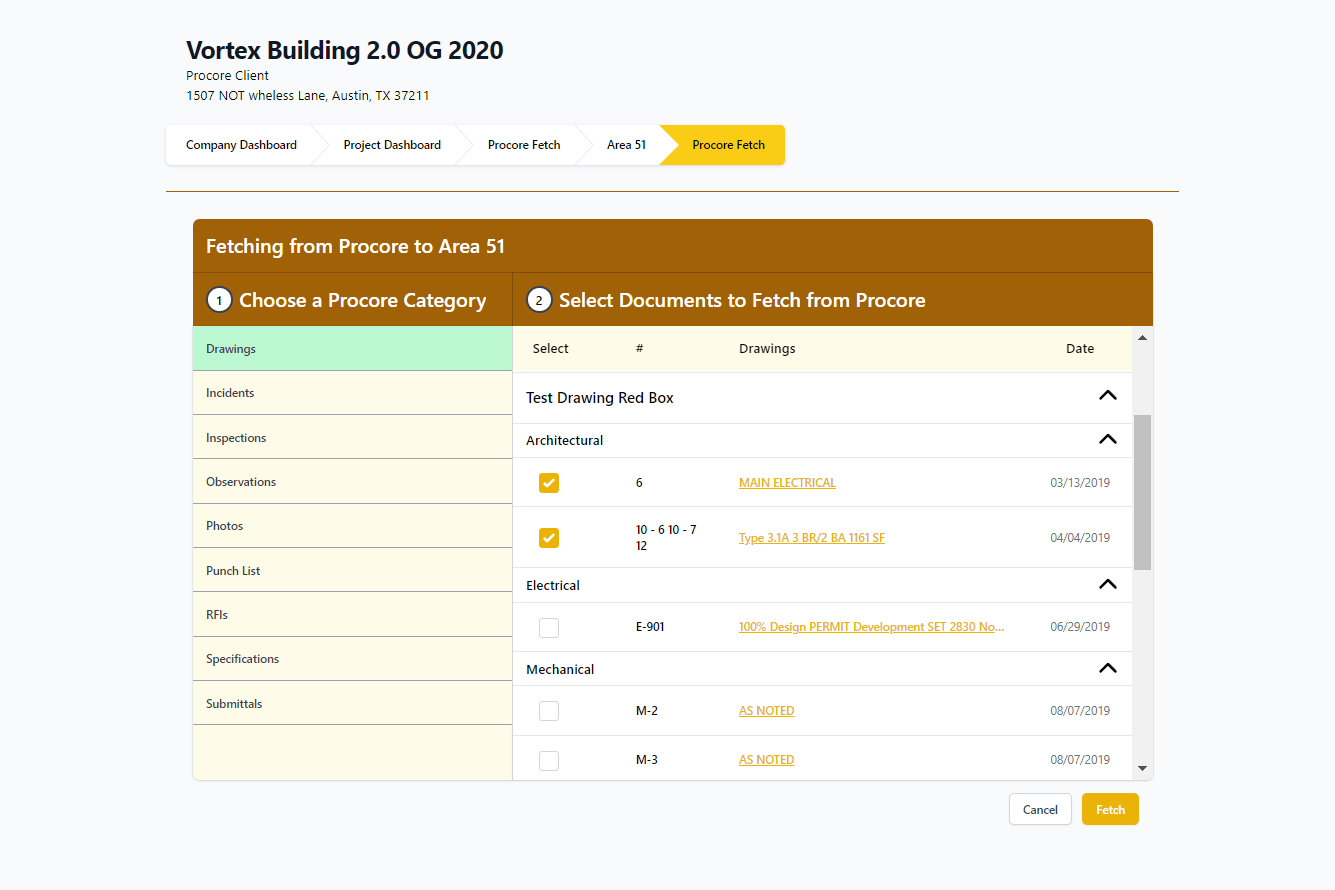
This Taliho workflow makes that possible by letting you pull selected Procore drawings and specifications into a QR code that is ready to print and post.
From Procore to a Posted QR Code
Inside Taliho, users can browse project drawings and specifications from Procore, choose the exact sheets or sections they want, and build a QR code around that package.
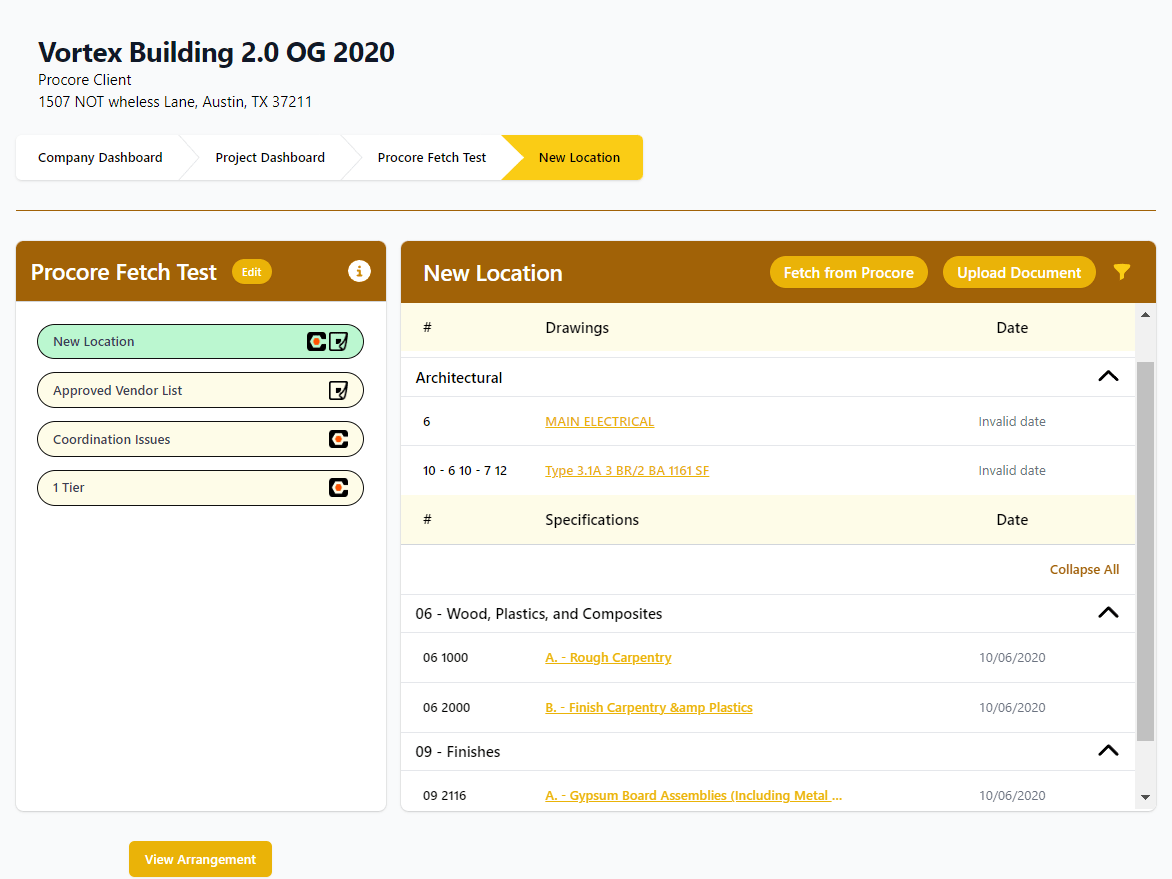
That keeps access focused. A code can be tied to one floor, one area, one trade, or one recurring task instead of pointing everybody at a full drawing set.
Print-Ready for the Field
After the selection is made, the QR code is ready to download and post wherever the work is happening.
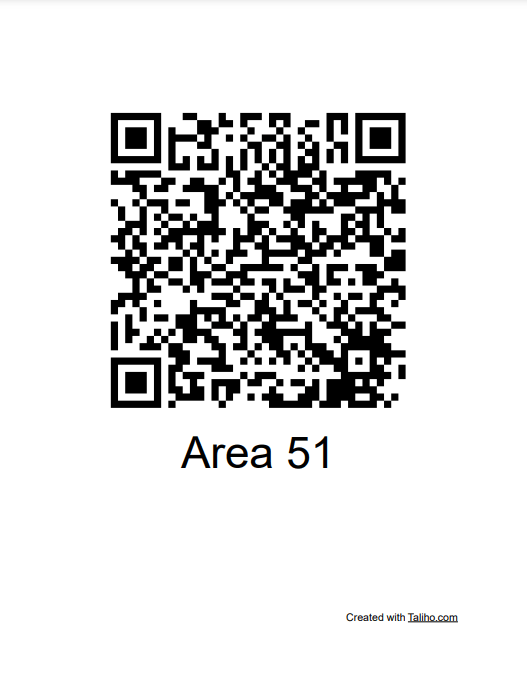
That is useful when teams need a durable access point at:
- active work zones
- equipment locations
- inspection areas
- coordination spaces
- turnover packages
Where This Workflow Helps Most
This approach works best when document requests are repetitive and location-specific. Instead of answering the same question over and over, the project team can post the answer where the question keeps coming up.
That reduces interruption for project leaders and makes it easier for field crews to keep moving.
Closing Thought
The strength of this workflow is not that it makes QR codes available. It is that it connects posted QR access to specific Procore content in a way the field can actually use.